Find your focus
Peaking, tap-to-focus and a long press for focus hold, where the camera supports it.
USB CAMERA MONITOR · ANDROID
A considered monitor for the camera you already carry. More room to see the frame. Essential tools within a touch.
Help shape MIRORIG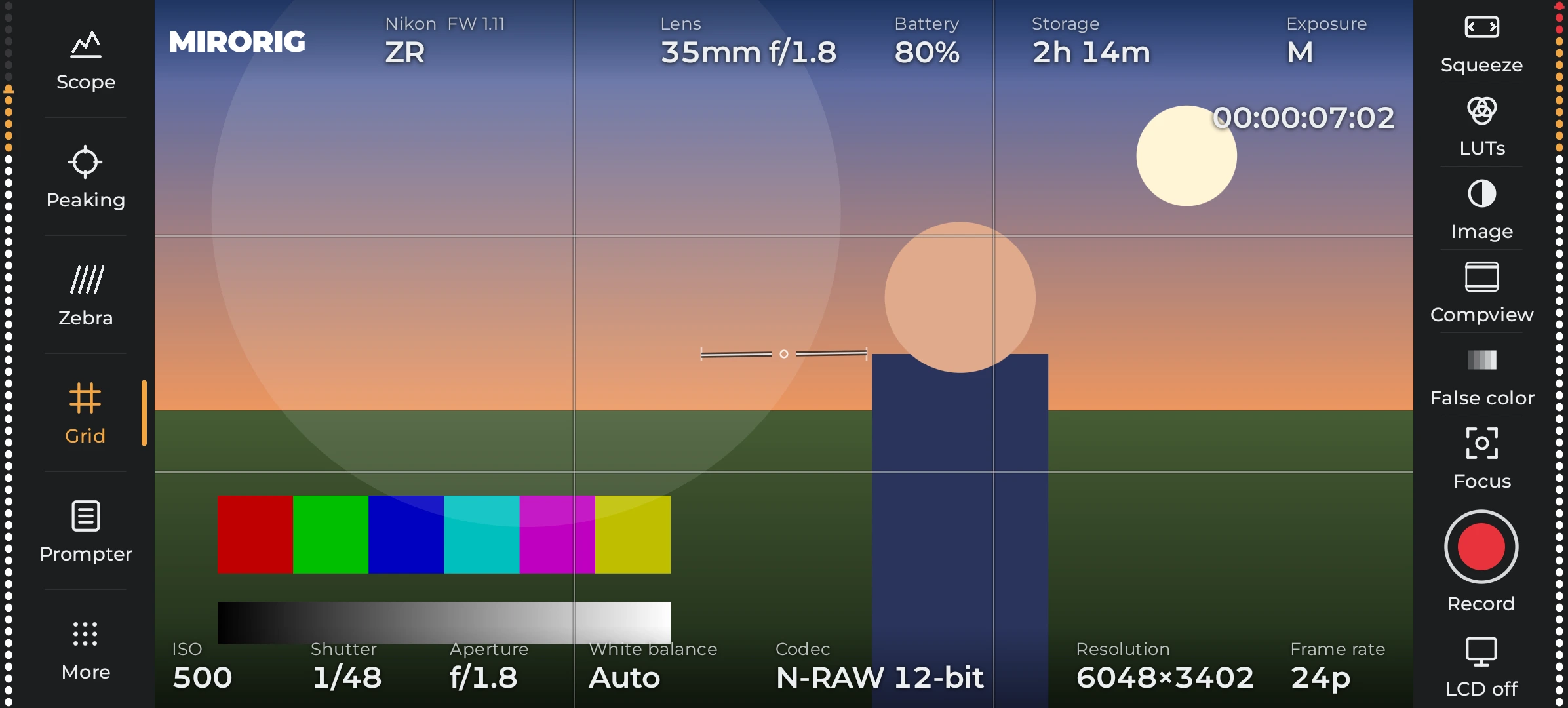
BUILT AROUND THE IMAGE
The live image keeps its proportions. Monitoring tools live at the edges, and camera settings open in small strips.
Peaking, tap-to-focus and a long press for focus hold, where the camera supports it.
Waveform, histogram, zebras and false color sit close to the image.
Compact control strips for the values your connected camera reports.
LUT previews, composition guides and edge audio meters on supported feeds.
LESS SETUP. MORE SHOOTING.
A data cable, a USB host-capable Android device and a compatible camera. Connect directly, allow Android USB access, then let MIRORIG read the camera.
See the USB setupSelect the camera’s USB remote/PTP mode. The exact name depends on the brand.
Direct USB-C works on supported hardware. An adapter may need the phone’s OTG setting.
Android asks for USB permission when needed. Available controls come from the camera.
YOUR CAMERA MATTERS
Different bodies expose different controls. Our compatibility notes separate hardware observations, protocol implementation and research, so you can see what still needs testing.
Find your cameraBUILDING WITH FILMMAKERS
Join Android testing, or leave your details for the iOS interest list. Tell us which camera and device you use.
Join the tester listOne-time paid release planned. No subscription planned.
Android testing is invite-based. An iOS build is not available yet.